David L.
Parent
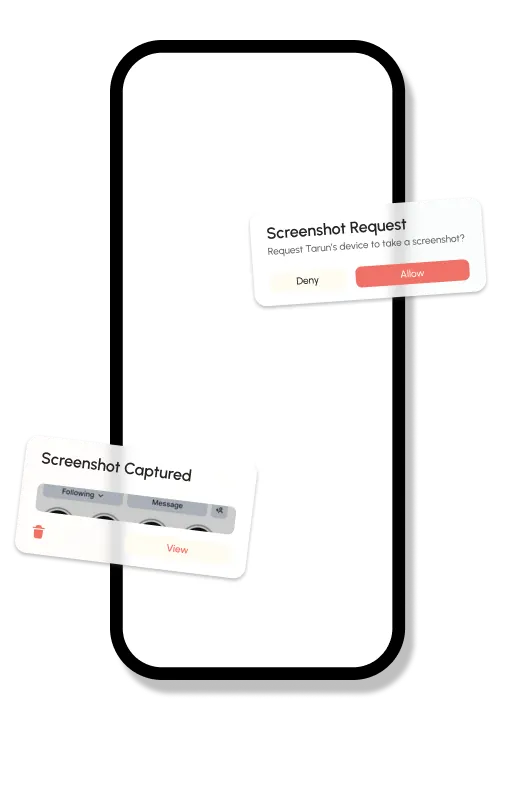
"The screenshot request feature is exactly what we were looking for. We only check when something feels wrong instead of constantly watching our son's phone."
Helping parents create safer digital experiences with simple parental controls for screen time, apps, and websites.
Set the rules once. Eyezonkid enforces them automatically — every day, no arguments over the phone at dinner.
Real-time GPS location, not a delayed ping — see exactly where your child is the moment you open the app.
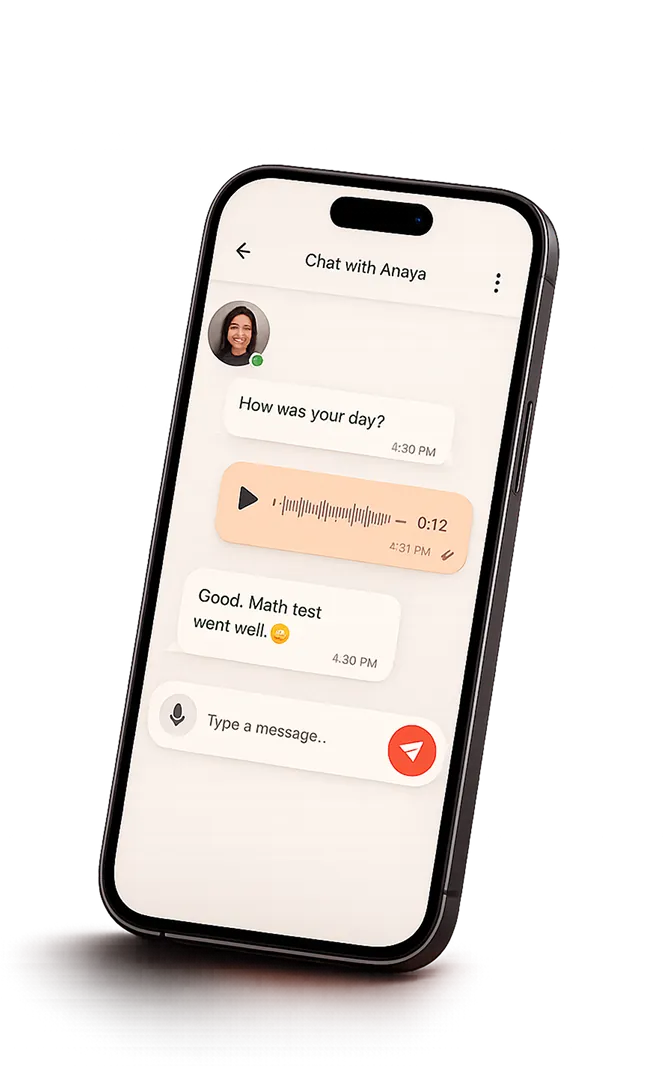
Send a text or voice message straight to their device — a simple way to check in that doesn't require reading their private chats.
Install alerts, battery status, and Wi-Fi changes — sent to you instantly.
Eyezonkid is a parental control and child safety app designed to help families navigate the digital world with greater confidence. From screen time and app controls to safety alerts and meaningful communication, it gives parents the tools to protect their children without turning every moment online into surveillance.
Built around safety, privacy, and healthy digital boundaries, Eyezonkid helps parents stay informed while giving kids the space to learn, explore, and grow independently.
Real control over location, screen time, app blocking, and alerts — without opening the door to your child's private world.
We never access, read, or scan your child's private messages.
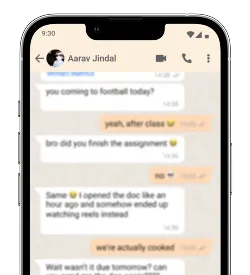
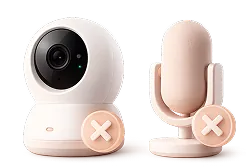
Can't remotely activate your child's camera or microphone.

No 24/7 screen recording or screen mirroring — we capture a single screenshot only when you request one, timestamped and nothing more.
We never capture keyboard input — including passwords, searches, usernames, or form entries.

Eyezonkid stays visible on your child's device — never hidden, disguised, or installed in secret.
Every parental control app blocks and tracks. Here's what makes Eyezonkid different — real capabilities, compared honestly.
Text + voice messages
sent from your dashboard.
Give a website 45 minutes
instead of an
all-or-nothing
switch.
A single on-demand capture, not a running background feed.
Require the parent password before Eyezonkid or protected apps can be uninstalled.
The same features, the same experience, on both platforms — confirmed working.

Real stories from parents who wanted safer screen time without sacrificing their child's privacy.
David L.
Parent
"The screenshot request feature is exactly what we were looking for. We only check when something feels wrong instead of constantly watching our son's phone."
Emily R.
Guardian
"The app gives me peace of mind. I can check in with my daughter through quick messages without ever reading her private chats."
Michael T.
Parent
"This tool allows us to maintain trust while ensuring our child's safety online. It's a perfect balance!"
Sarah P.
Guardian
"I appreciate the flexibility of checking in only when necessary. It feels less invasive and more supportive."
Every plan starts with a 3-day trial. Cancel anytime—no contracts, hidden charges, or cancellation hassles.
For one child, one device.
Perfect for households with multiple children.
Everything you need, with no device limits.
A parental control app lets parents manage a child's phone from their own device. With Eyezonkid you can see your child's live location, set daily screen time limits, block or time-limit apps and websites, and get alerts about important changes. It works on both Android and iPhone.
Set a daily screen time limit, then add per-app quotas for the apps that matter most, like 45 minutes of YouTube a day. Schedule blocks for school hours and bedtime so the rules apply automatically, without arguments.
Yes. Eyezonkid shows location, screen time and app activity, but never reads private chats, never logs keystrokes, never records the screen nonstop and never runs hidden. Your child can see the app is installed, which keeps monitoring honest and builds trust.
| Feature | Eyezonkid | Google Family Link | Hidden "spy" apps |
|---|---|---|---|
| Device controls on Android and iPhone | Yes, same features on both | Mainly Android | Varies |
| Reads private messages | Never | No | Often |
| Hidden from the child | Never, always visible | No | Usually |
| Per-app time quotas | Yes | Yes | Varies |
| Parent-to-child messages | Yes (Family & Premium) | No | No |
| Price | From ₹279/month + GST | Free | Varies |
Comparison based on publicly available information. Features of other apps may change.
Yes. Eyezonkid offers the same features on Android and iPhone, so one parent dashboard works for every child's device.
No. Eyezonkid never accesses, reads or scans private messages. It also never records the screen continuously, never logs keystrokes and cannot turn on the camera or microphone.
Yes. Every plan includes live GPS location tracking and geofencing alerts, so you are notified when your child arrives at or leaves places like school or home.
Yes. Eyezonkid supports per-app time quotas, so you can allow something like 45 minutes of YouTube a day instead of an all-or-nothing block. You can also block apps instantly or on a schedule, such as during school hours or bedtime.
Keep your child safer, set healthier boundaries, and stay in the loop — without stepping into their private world.